
It’s 4:47 PM on Friday. Your security scanner just flagged a critical vulnerability in TeamViewer, installed on 147 endpoints. Marketing deployed it last month for a webinar. Finance still uses it for vendor support. Security needs it gone before Monday. Your MDM deployment pipeline? Three-to-five days, minimum.
According to 2024 research, 42% of applications in the average enterprise are shadow IT, installed outside IT’s deployment pipeline. That vulnerable app? Probably one of them. Your MDM deployment process? Built for planned rollouts, not emergency response.
This is the reality of modern enterprise security: threats move at the speed of exploitation, but traditional removal methods move at the speed of change management. IT and security teams need faster ways to eliminate risky or unused software without disrupting productivity, and without waiting for MDM scripts to clear approval queues.
With employees installing all kinds of applications, from productivity tools to niche utilities, IT and security teams need a fast, reliable way to remove anything that poses a risk. Whether it’s a trojan that slipped past defenses or unused software that drives up licensing costs, traditional approaches rely on MDM-based scripts, manual intervention, or even blanket installation bans that can take weeks and disrupt productivity.
Now, you can keep users productive while swiftly eliminating risk across your environment. Anzenna continuously inventories and risk-scores applications, but visibility is only half the battle, what’s needed next is remediation.
Anzenna offers that instantly, leveraging your existing EDRs like CrowdStrike, SentinelOne, and Defender. Here’s an example of how this works via CrowdStrike RTR: instead of relying on a traditional MDM to track and remove applications, any device with CrowdStrike RTR enabled can now uninstall applications remotely, whether from a single host or across your entire environment.
What Is CrowdStrike RTR and Why Is It Powerful?
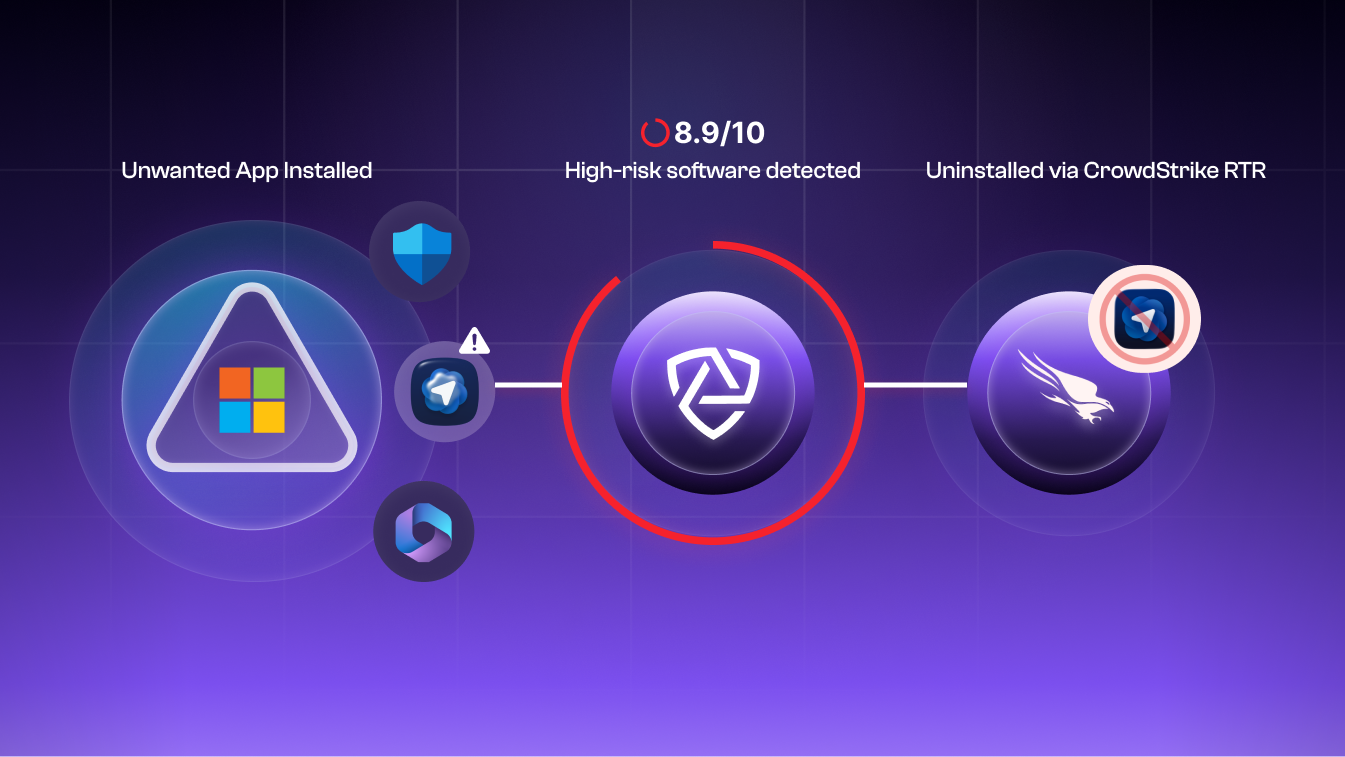
CrowdStrike Real Time Response (RTR) provides elevated, cloud-managed access to devices, enabling rapid response without physical access. RTR sessions operate as
the SYSTEM account, Windows’ highest privilege level, with machine-wide control over files, processes, and registry entries.
On paper, SYSTEM access sounds comprehensive. In practice, it reveals a fundamental Windows architecture challenge that trips up even experienced administrators.
The Challenge
At first glance, uninstalling an app seems like a one-liner, users do it every day with a single click. So why can’t SYSTEM do the same?
The problem is scope. SYSTEM runs above all users, but many applications are scoped to a specific user account. These apps live under that user’s home directory and registry hive (HKEY_USERS\<SID>\Software\…), meaning SYSTEM can’t directly see or modify them.
As a result, uninstalling applications isn’t just about permissions, it’s about understanding where each app exists and how it was installed. Windows supports multiple packaging and installation systems, each with its own uninstallation method, making automation complex and error-prone.
The consequence: Scan as SYSTEM and you might see 200 applications. The actual count across all user profiles? 800. You’re only seeing 25% of your attack surface. This isn’t a CrowdStrike limitation—it’s Windows architecture. Any SYSTEM-level tool faces the same challenge, whether you’re using SentinelOne, Microsoft Defender, or custom PowerShell scripts.
Understanding Windows Application Types
Windows doesn’t treat all applications equally. Each installation type requires different removal commands, different privilege levels, and different failure
modes.
| Type | Description | Install Scope | Common Install Path | Uninstall Command / Method | Typical Challenges |
| Windows Store (AppX / MSIX) | Apps downloaded from the Microsoft Store; sandboxed and registered per user. | User or All Users | C:\Users\<User>\AppData\Local\Packages | Remove-AppxPackage or Remove-AppxPackage -AllUsers | Requires per-user context unless installed for all users. SYSTEM can’t see user-scoped AppX packages directly. |
| Program Apps (EXE / Winget) | Traditional or open-source programs installed from executables (e.g., .exe, .bat, .cmd). | Usually User | C:\Users\<User>\AppData\Local\Programs | winget uninstall –name <AppName> –version <Version> | Behaves differently under SYSTEM vs user context. Can silently fail if registry entries are missing. |
| MSI Applications | Microsoft Installer packages (.msi) that standardize installation and removal. | System | C:\Program Files or C:\Program Files (x86) | msiexec /x {ProductCode} /quiet or winget uninstall | Generally reliable, but may prompt for missing uninstallers or elevated rights. |
| MSU Updates | Windows Update Standalone packages (.msu) used for patches or drivers. | System | C:\Windows\SoftwareDistribution | wusa.exe /uninstall /kb:<KBID> /quiet | Requires exact KB reference; some updates can’t be removed once superseded. |
Why It’s Difficult (And Why Teams Still Use Manual Processes)
Even with elevated privileges, uninstalling Windows applications isn’t uniform.
Scope differences:
SYSTEM doesn’t have direct access to user profiles or registry hives where many apps reside.
Tool inconsistency:
winget, Get-AppxPackage, and msiexec each handle different installation formats and behave differently depending on context.
Silent failures:
Many uninstallers don’t report accurate exit codes, making it hard to confirm success.
Building a universal uninstallation workflow means handling all of these edge cases — and doing so safely across thousands of endpoints.
The Anzenna Approach
Anzenna bridges this gap by leveraging existing EDR tools, like CrowdStrike RTR, SentinelOne, Microsoft Defender, to automate application discovery, risk assessment, and removal across all privilege scopes and installation types.
The platform handles:
- Cross-scope enumeration: Discovers both SYSTEM-visible and user-scoped applications across all profiles
- Intelligent uninstallation: Selects the correct removal method (AppX cmdlets, winget, msiexec, custom uninstallers) based on application type
- Verification: Confirms complete removal including registry entries, leftover files, and running processes
- Scale: Removes applications from thousands of endpoints simultaneously through existing EDR infrastructure
No new agents. No MDM dependency. No three-day deployment windows.
Conclusion
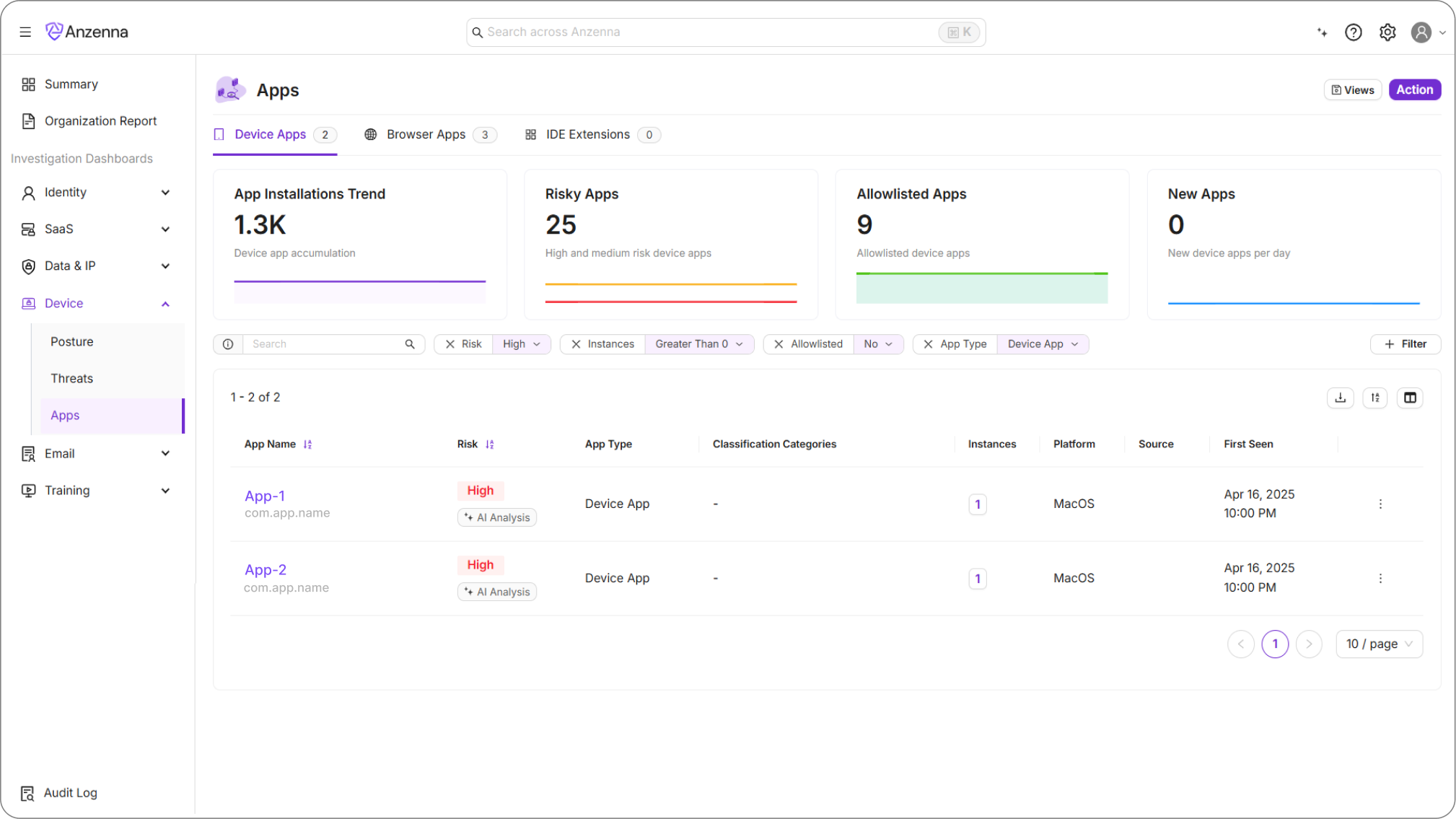
By combining CrowdStrike RTR with a deep understanding of Windows application architectures, we’ve built a reliable way to uninstall nearly any application, regardless of how it was installed or which user installed it.
This approach empowers security and IT teams to respond to software risks in real time, without relying on MDMs or user intervention. It’s a perfect example of how visibility and automation work hand-in-hand: discover what’s risky, then remediate it instantly, keeping your environment clean, consistent, and secure.